What Are Unicode Fonts? How Copy-and-Paste Fonts Really Work
7 min read
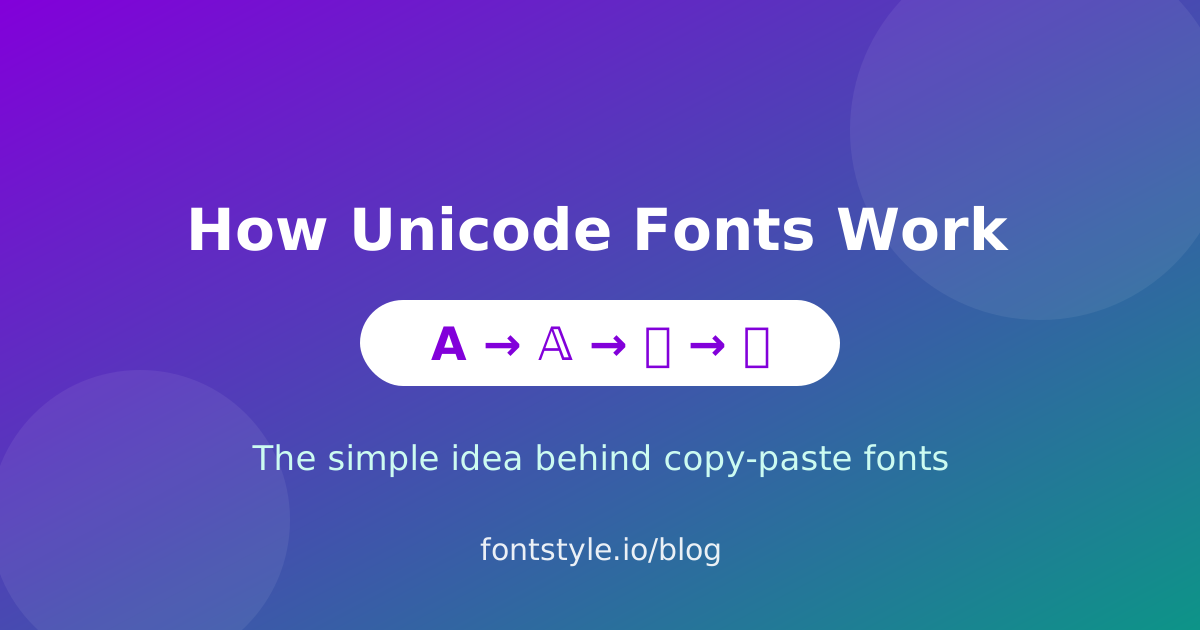
You've probably seen bold, cursive or bubble text in someone's social media bio and wondered how they did it — especially since most apps don't let you change the font at all. The secret isn't a font file or a hidden setting. It's something called Unicode. Once you understand this one idea, every copy-and-paste font tool on the internet suddenly makes sense.
What is Unicode, in plain English?
Unicode is a giant, universal list that gives every character a unique number. The letter “A”, the symbol “€”, the emoji “😀”, and a Japanese character all have their own permanent code. Every modern phone, computer and browser understands this same list, which is why an emoji you send from an iPhone shows up correctly on an Android device. Unicode currently defines well over 140,000 characters covering virtually every writing system on earth.
So where do “fonts” come from?
Here's the key insight: buried inside that huge list are several complete sets of alternate letters. Mathematicians, for example, needed bold and script versions of A–Z for equations, so Unicode includes a “Mathematical Bold” alphabet, a “Mathematical Script” alphabet, a “Double-Struck” alphabet, and more. There are also circled letters, full-width letters, and small superscript letters. Each of these looks like a different font, but every character is a real, standalone Unicode symbol.
A font generator simply maps your normal letters onto one of these alternate sets:
- Type A → get 𝐀 (Mathematical Bold)
- Type A → get 𝒜 (Mathematical Script)
- Type A → get 𝔸 (Double-Struck)
- Type A → get Ⓐ (Circled / bubble)
You can watch this happen live in our Unicode text generator — one input, hundreds of alternate alphabets.
Why this matters: it works everywhere
Because these are standard characters and not a font you installed, they travel with your text. When you copy “𝓗𝓮𝓵𝓵𝓸” and paste it into Instagram, TikTok, Discord or a Google Doc, the app doesn't need your font — it already knows those characters from the Unicode list. That's the whole reason copy-and-paste fonts feel like magic: there's nothing to download and nothing can “break” on the other person's device.
The limits you should know about
Unicode fonts are powerful, but they aren't true typography. Keep these points in mind:
- Not every letter exists in every style. Some alphabets are missing a few characters, so a generator may fall back to a normal letter for those.
- Accessibility suffers. Screen readers often read “Mathematical Bold H” instead of “H”, or skip the character entirely. Avoid styling essential information.
- Search engines may not match it. Stylized text can be indexed differently from plain text, so keep keywords and important content in normal letters.
- Very old devices may show a box for rare characters that lack a matching glyph.
Unicode fonts vs. real fonts
A real font (like the one you're reading) is a design file that tells your device how to draw each character. You can only use it where it's installed or loaded. A Unicode “font” is just a different set of characters that every device can already draw. That's the trade-off: real fonts give designers pixel-perfect control, while Unicode styles give you instant, portable flair with zero setup. For social bios, usernames and captions, portable wins every time.
Popular Unicode styles to try
Once you know the trick, explore the different families:
- Bold and italic — the most compatible and readable.
- Cursive / script — elegant handwriting styles.
- Double-struck — the blackboard-bold math look.
- Bubble text — letters inside circles.
- Gothic / Fraktur — dramatic blackletter styles.
Frequently asked questions
Are Unicode fonts actual fonts?
No — they're alternate characters from the Unicode standard that look like different fonts. That's why they work without installing anything.
Is copy-and-paste text safe?
Yes. You're copying plain characters, not code. Our conversion happens entirely in your browser, so your text never leaves your device.
Will it work on my platform?
Almost certainly. Anywhere you can type text — social apps, messaging, documents, game usernames — Unicode characters display correctly.
Want to see it in action? Open the Unicode text generator, type a word, and watch a single letter turn into dozens of styles.